Too few working machines
Limited finances mean most learners never get to touch and feel a real device, let alone practise a concept on one themselves.
Kampala, Uganda · ICT education hardware
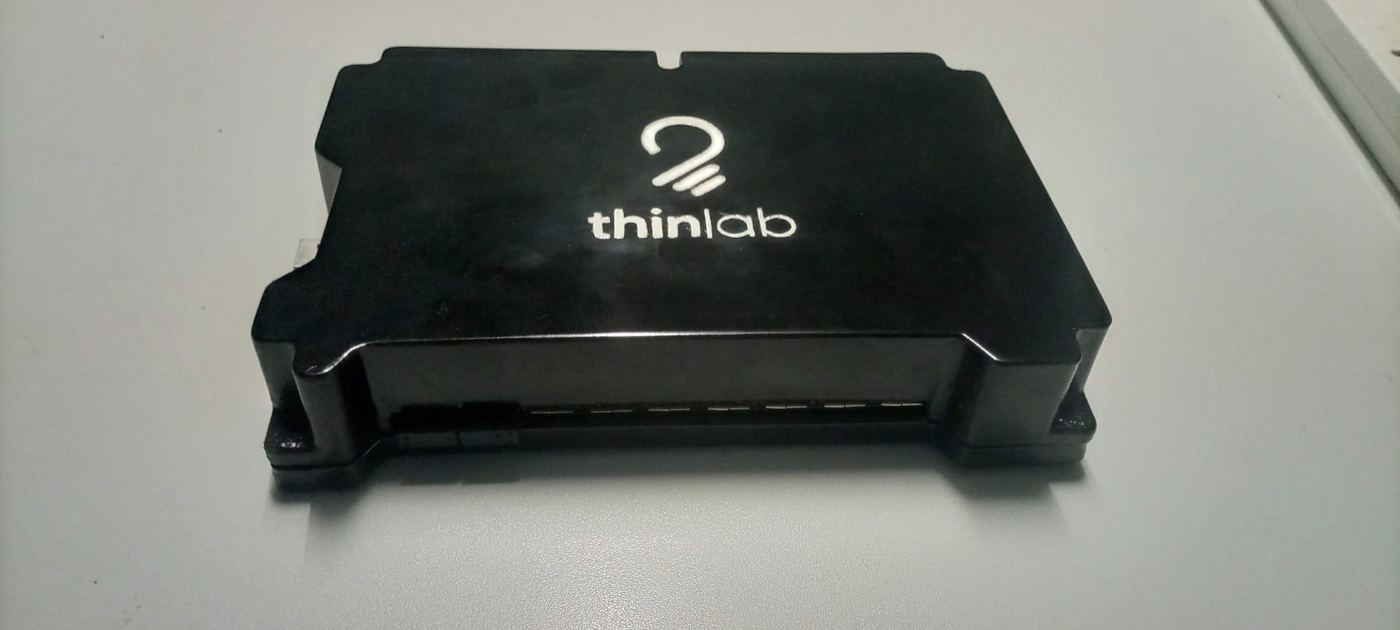
ChungaBox is Thinlab’s control hub for shared-computer classrooms — one CPU, one projector, and a set of wireless keyboard-and-mouse pairs so every student gets hands-on turns, without a room full of machines to buy and maintain.
The problem
Limited finances mean most learners never get to touch and feel a real device, let alone practise a concept on one themselves.
Computers arrive second-hand and already old. Breakdowns are frequent, routine maintenance is rare, and the repairs that do happen are often done by unqualified hands.
In a traditional lab, the teacher walks the room constantly to reach every workstation — wasting time, wearing them out, and compromising the quality of what gets taught.
Every workstation runs its own screen, every screen pulls its own power, and every student faces their own monitor instead of the lesson at the front.
The Thinlab concept
ChungaBox turns a single computer into a shared, hands-on workstation. Wireless keyboard-and-mouse pairs let students act on the same screen, one at a time, while an LCD projector keeps the whole class looking at one point. The instructor grants and revokes each pair’s access with a single click — no scrambling for a free keyboard, no one left watching over a shoulder.
See it running in your own room. Schools, ICT training centres and digital-skilling projects also get asset financing and our technician network through Thinlab.
Request a demoThe product
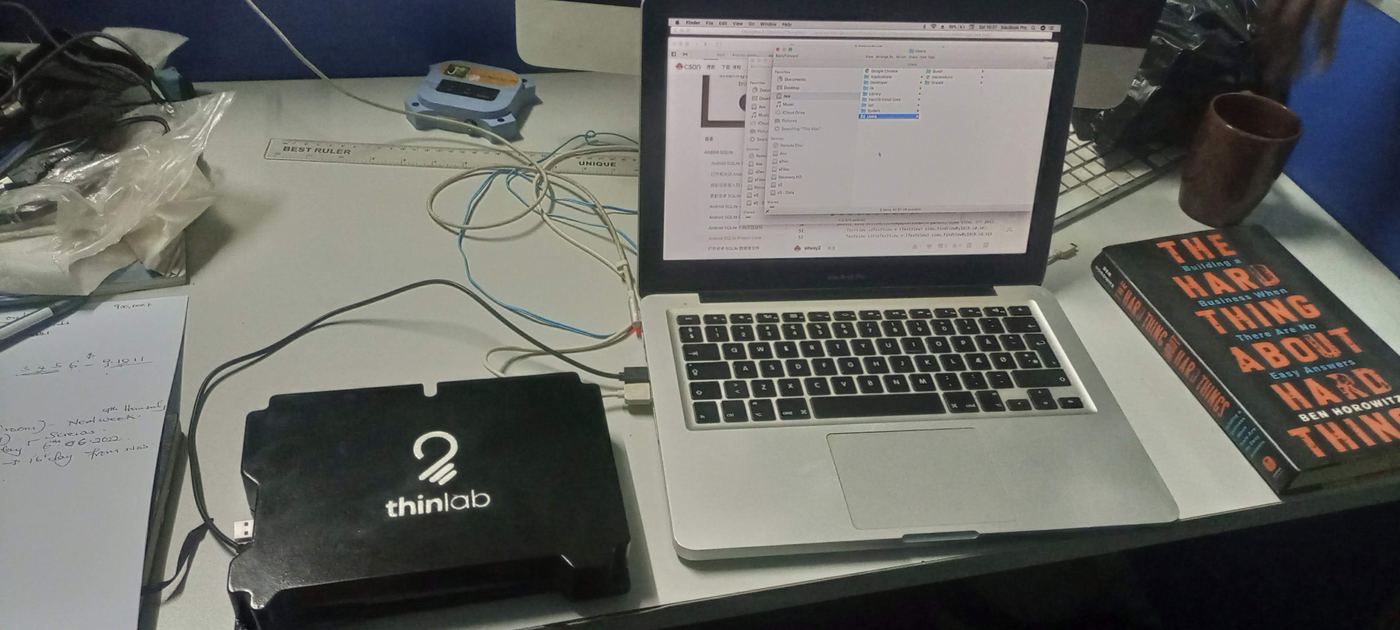
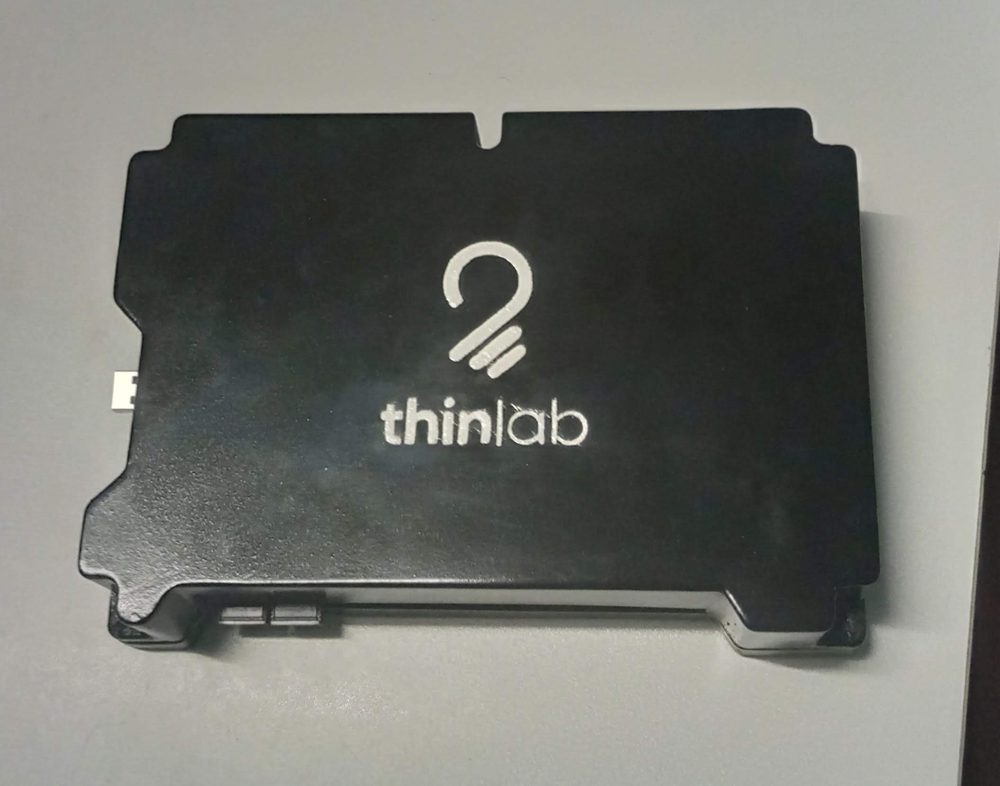
One control hub. A full room of learners.
How the lab environment works
The projector puts every student’s eyes on the same crisp, room-sized image instead of a private monitor — the single biggest fix for a distracted class.
A single computer runs the lesson. There is no fleet of workstations to individually configure, patch, or repair when something breaks.
Every student gets a wireless keyboard-and-mouse pair wired into ChungaBox. The instructor discretely activates and deactivates each pair with a click, so control passes around the room without anyone touching the host machine.
Inside ChungaBox
ChungaBox is built around a multi-port USB hub architecture with its own microcontroller, so the instructor — not the operating system — decides which keyboard and mouse pair is live at any moment.
Simplified from Thinlab’s ChungaBox engineering drawings — port count and control logic reflect the current design.
The comparison
| Metric | Thinlab ChungaBox | N-Computing | Traditional lab |
|---|---|---|---|
| Computers required | One | Varies | Varies |
| Portable | Yes | No | No |
| Easy to set up & configure | Yes | No | Yes |
| Instructor movement | Infrequent | Very frequent | Very frequent |
| Acquisition cost | Very low | High | Very high |
| Power consumed | Very low | High | Very high |
| Maintenance cost | Very low | Low | Very high |
| Collaborative learning | Natural | Limited | Limited |
| Student retention | Very high | Moderate | Moderate |
| Student engagement | Very high | Moderate | Moderate |
What it unlocks
We’ll walk your team through setup, financing and technician support.
Request a demoWhy Thinlab
According to DFID Uganda’s 2018 country profile, over 700,000 young people enter Uganda’s labour market every year, with too few opportunities waiting for them. At the same time, the International Telecommunication Union projects tens of millions of new jobs worldwide that will call for advanced digital skills in the years ahead.
ICT can level the playing field for marginalised individuals and communities — but only for those who can cross the technology divide. For everyone else, it becomes one more way to fall further behind. Like the Government of Uganda, we believe computer education in schools is where that foundation gets built. The problem is cost: quality, equitable computer labs are simply too expensive for most schools to acquire, run and maintain.
Thinlab champions a blend of low- and high-tech approaches to sustainable computer education. ChungaBox, our brainchild product, makes a low-cost lab setup possible — giving every student equitable, hands-on access inside one collaborative classroom.
Where we focus
Our lead market is urban and semi-urban private secondary schools, with room to grow across the rest of Uganda’s ICT-education landscape.
Our primary target — fast to adopt cost-saving solutions that protect quality while protecting margins.
Early digital literacy for younger learners, without a full lab budget.
Government-run schools working within tighter procurement budgets.
Colleges and vocational institutes running practical ICT modules.
Independent trainers and centres delivering short, practical courses.
How membership works
Any school, ICT training centre or digital-skilling project can register with Thinlab.
Registered members can apply for asset financing and reach our network of professional computer technicians.
Acquire a well-stocked computer lab and keep it running sustainably, year after year.
The people
Team Lead
Computer Engineer
Tech Lead
Engineering & product architecture
Developer
Firmware & software
Whether you run a school, a training centre or want to partner with Thinlab — we’d like to hear from you.
Request a demoGet started
Tell us about your school, training centre or programme, and we’ll arrange a ChungaBox demo — and talk through setup, financing and technician support.
Demo requests & enquiries